SwitchBot Hub: Retrofitting a Dumb Home Without Rewiring
The infrared-and-robot-finger approach to a rented flat's dumb switches
Contents
Most smart-home retrofits assume you can touch the wiring: swap a light switch, rewire a socket, or at minimum, own the property enough to drill a curtain-motor bracket into the wall. SwitchBot’s entire business is built on the households that can’t do any of that — renters, and anyone who doesn’t want to risk a deposit or void a landlord’s fixtures. The Hub 2 plus the Bot (a small robotic arm that physically presses a switch) and the Curtain motor (which clips onto an existing curtain rail rather than replacing it) is the company’s answer: smart control of things that were never designed to be smart, without a screwdriver near the actual electrics.
What the hub actually does
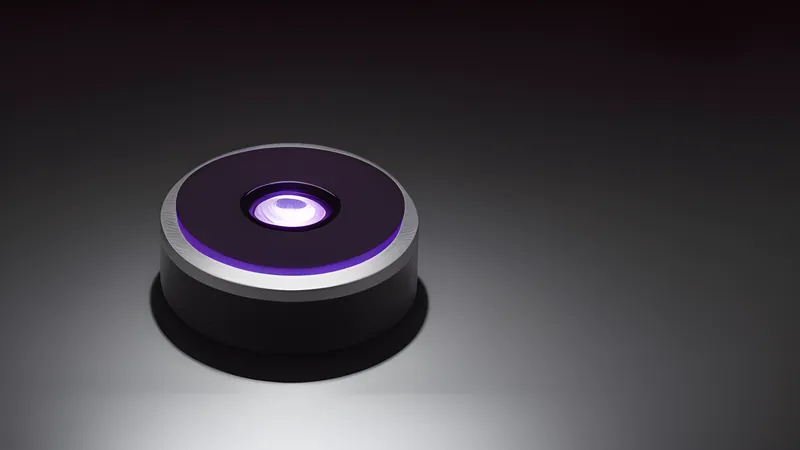
The SwitchBot Hub 2 (~£40) is the bridge between SwitchBot’s Bluetooth-only battery devices and both Wi-Fi/cloud control and infrared blasting for existing remote-controlled appliances. It’s a small puck, mains-powered, that sits somewhere with line of sight to whatever it needs to control — the Bot, the Curtain motor and other Bluetooth SwitchBot devices connect to it as a Bluetooth-to-Wi-Fi bridge, extending their range and cloud/remote-access reach beyond Bluetooth’s normal few metres, while a built-in infrared blaster lets it also learn and replay remote codes for TVs, air conditioners and other IR-remote appliances, consolidating them into the same SwitchBot app.
The Hub 2 additionally carries a temperature and humidity sensor and, on the display-equipped version, a small screen showing room conditions at a glance — a genuinely useful bit of scope creep for a device that’s fundamentally a bridge, since it means the hub itself does something even before any Bot or Curtain motor is added to the mix.
The Bot: a robot finger, and it’s exactly that literal
The SwitchBot Bot (~£25) is a small battery-powered box with a retractable arm that physically presses a button or flips a switch — it sticks to the wall next to an existing light switch (or a coffee machine’s power button, or literally any physical toggle) using 3M adhesive, no wiring, no modification to the switch itself. It’s a genuinely clever solution to the exact problem it’s built for: making a dumb switch remotely and schedule-controllable when replacing the switch isn’t an option, and it works by being almost comically simple — a small motor extends an arm, presses the button, retracts.
The honest limitation is that it’s a mechanical solution to what other smart-home categories solve electrically, and mechanical solutions have mechanical failure modes. The adhesive mount is the weak point most reported in longer-term user reviews: on textured or painted walls that flex slightly, or in humid bathrooms, the 3M pad can lose grip over months, requiring a re-stick or a replacement pad (SwitchBot sells spares cheaply, which is itself an admission the failure mode is expected). The arm’s press force is also fixed and occasionally needs recalibrating for stiffer switches — a small dial adjustment in the app rather than a fault, but still an extra setup step that a plain smart plug never asks for.
Materials and build
Pop the Bot open (it’s held by two small screws under the mounting plate) and the mechanism is a small DC motor driving a rack-and-pinion arm extension, a coin-cell-equivalent battery pack (rated for roughly 600 days of typical use, per SwitchBot’s own figures, though real-world reports skew somewhat lower with frequent scheduled presses), and a Bluetooth Low Energy radio board — genuinely minimal parts for a genuinely minimal job, which is the right build philosophy for a £25 device rather than a criticism of it. The plastic shell is a matte, slightly rubberised ABS that resists fingerprints better than the glossier finish of some competing smart-switch-cover products, and the arm itself is a stiffer, less flex-prone plastic than the shell — sensible material choice, since the arm is the part under repeated mechanical stress.
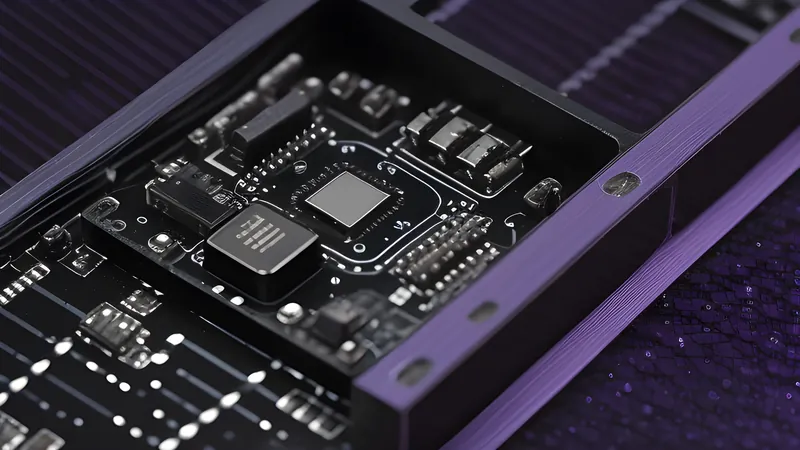
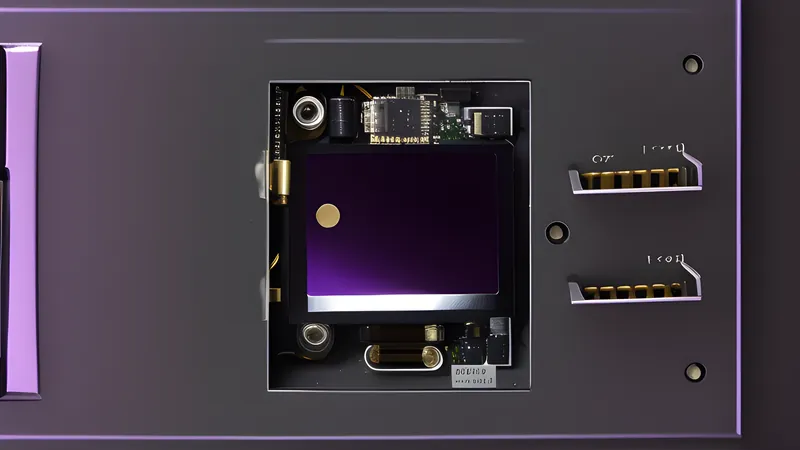
The Hub 2’s internals are a straightforward Wi-Fi/Bluetooth combo radio board plus the IR LED array and the temperature/humidity sensor module, mounted in a similarly unremarkable but adequately finished plastic puck. Nothing here is exotic, and nothing needs to be — this is a bridge device, not a product whose materials story is the selling point, and SwitchBot hasn’t over-engineered the housing to look more premium than the function requires.
The Curtain motor: the same idea, a harder mechanical problem
The Curtain motor (~£70 for a single rail, more for longer or bay windows) applies the same no-wiring philosophy to window coverings, and it’s a genuinely more impressive engineering solution than the Bot because the problem is harder: rather than pressing a button, it has to physically drive the curtain along its existing rail using a small motorised wheel that clamps onto the rail track itself, with no modification to the curtain, the rail, or the wall. It calibrates by running the full length of the rail once during setup, learning the open and closed endpoints, and after that opens and closes on schedule or by voice command through the hub.
The mechanical caveat here is rail compatibility, and it’s a bigger one than the Bot’s adhesive question. SwitchBot sells several different Curtain motor variants for different rail profiles (U-rail, I-rail, and rod-based curtains each need a different mounting approach or a separate accessory kit), and the single most common complaint in retailer reviews is buying the wrong variant for an existing rail shape and needing an exchange. Reading the rail-compatibility chart before ordering — not just assuming “curtains are curtains” — is the one piece of homework this device actually requires to work first time. Weight capacity is the other real limit: heavier blackout curtains or very long rails can exceed the motor’s rated pulling force, resulting in a curtain that opens partway and stalls rather than completing its travel, which is a mechanical ceiling rather than a software bug to fix.
App reliability and the infrared blaster’s honest limits
The IR-blasting function is the part of the Hub 2 most dependent on line-of-sight physics rather than software, and it’s worth setting expectations accordingly: infrared is a direct, unobstructed-path signal, meaning a hub tucked behind a TV stand or around a corner from the air conditioning unit it’s meant to control simply won’t work reliably, no matter how well the code was learned. This is a property of infrared itself and applies to every IR hub on the market, including universal remote hubs from Logitech and others — but it’s underexplained in most marketing, which shows a clean living-room render rather than the actual placement constraint. Central hub placement, ideally elevated and with a clear view of everything it needs to reach, is the actual requirement, and a larger room or one with multiple IR targets in different corners may need more than one Hub 2 to cover reliably.
App responsiveness for the Bluetooth-bridged devices (the Bot and Curtain motor) has been broadly reliable in user reports since the Hub 2’s refresh over the original Hub Mini, with command latency typically under a couple of seconds for a Bot press triggered remotely — adequate for scheduling and voice commands, noticeably slower than a genuinely wired smart switch’s near-instant response, which is the trade-off inherent to bridging Bluetooth through a hub rather than commanding a Wi-Fi-native device directly.
Where this fits against wired alternatives
The comparison that matters is SwitchBot against simply replacing the switch, rather than SwitchBot against other retrofit brands — replacing the switch being the option available to homeowners but not renters. A wired smart switch (a Lutron Caséta, a wired Shelly relay behind an existing switch) is more reliable, has no mechanical failure mode, and typically costs about the same £25-£40 as a Bot once installation labour is factored out for someone comfortable doing it themselves — but it requires access to the wiring and, in a rented property, a landlord’s permission that many tenancy agreements simply don’t grant for electrical work. SwitchBot’s entire value proposition is trading some of that reliability and a chunk of the “does it look intentional” aesthetic for zero permission requirements and zero wiring risk, and for the audience it’s built for, that trade is the whole point rather than a compromise being apologised for.
Living with the ecosystem beyond the Bot
SwitchBot’s catalogue has grown well beyond the original Bot-and-Curtain pairing — a robot vacuum, a lock, an air purifier and a video doorbell all now carry the brand, feeding into the same Hub 2 and app. This matters for the retrofit argument specifically: a renter who starts with a Bot on the front-door deadbolt (for a smart-lock-adjacent function without swapping the actual cylinder) can grow the same ecosystem into curtain automation and climate monitoring without a second app or account, which mirrors the coherent-ecosystem advantage the Aqara vs Sonoff comparison credits Aqara with — SwitchBot has built a similarly tight catalogue, just aimed specifically at the no-wiring use case those two brands don’t address.
Matter, and whether it changes the retrofit calculation
SwitchBot has added Matter compatibility to the Hub 2 and several of its devices, letting the Bot and Curtain motor be added to Apple Home or Google Home alongside SwitchBot’s own app. In practice this is a genuinely useful addition rather than a headline feature — it means a household already invested in one of the big ecosystems for other Matter devices doesn’t need a second, separate app just for the SwitchBot layer, echoing the interoperability gains covered in the two-years-on Matter review. It doesn’t change the fundamental Bluetooth-bridge architecture underneath, and it doesn’t add any local-control benefit beyond what SwitchBot’s own hub already provides, since the Hub 2 itself remains the actual bridge regardless of which app is issuing the commands.
The verdict
Buy the Hub 2 and Bot combination specifically for the use case it’s built for: a rented property, or any switch you genuinely cannot or don’t want to rewire. It’s worth its money — around £65 for the hub-plus-Bot starting combination — for exactly that scenario, and not worth buying at all if you own the property and could install a proper wired smart switch instead, where the wired option is more reliable for similar money. The Bot’s mechanical mounting is the one component worth budgeting a maintenance thought for — expect to re-stick or replace the adhesive pad within a year or two of regular use, and keep a spare pad on hand rather than treating a lost grip as a device failure. Skip the ecosystem if you’re chasing full home automation depth rather than solving a specific access problem — SwitchBot’s app doesn’t compete with Home Assistant on automation sophistication, and the whole pitch is retrofit convenience, not platform depth. For the person it’s actually aimed at, it does exactly what the promise says: makes a dumb, unrewireable switch schedulable, for less than the cost of the argument with a landlord about whether you’re allowed to touch the wiring at all.
Related Content