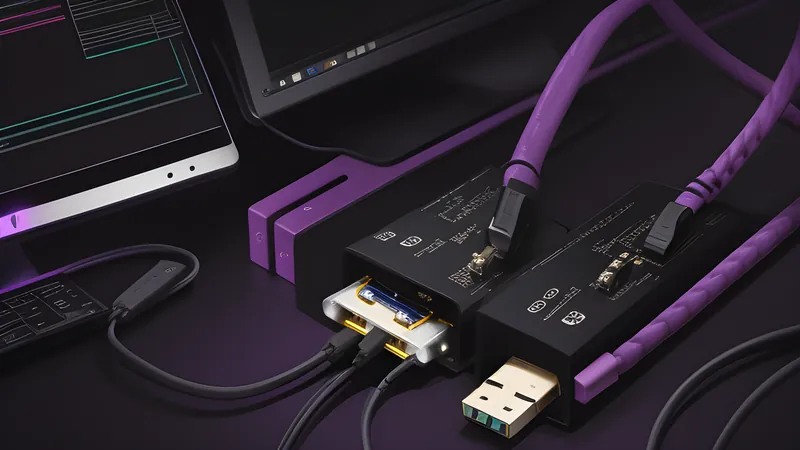
Powered USB Hubs: Why Yours Keeps Dropping Devices
The dropout isn't the cable's fault — it's usually the power budget
Contents
A USB hub disconnecting a drive mid-transfer looks like a driver problem, a cable problem, or a Windows problem, and most people chase it in that order before ever suspecting the hub itself. The actual cause is almost always simpler and duller: the hub is handing out more current than its upstream port, or its own internal PSU, can supply, and the moment two power-hungry devices ask for their share at once, something on the bus gets starved and drops. A four-port hub plugged into a laptop’s USB-A socket has, at best, 900mA to divide between everything downstream. A mechanical keyboard with RGB, an external drive spinning up, and a webcam can each want more than their fair slice, and the hub’s controller has no good option except to cut one of them off.
The promise
The pitch on a powered hub’s box is straightforward: plug it into the wall as well as your computer, and every downstream port gets its own dedicated current budget instead of squeezing through the host port’s limit. A typical 7-port powered hub ships with a 12V/2A or 12V/3A external adaptor, giving the hub 24–36W to distribute on top of whatever trickle the USB connection itself carries. That should mean no more starved ports, no more drives that spin down and vanish from the file explorer, no more Bluetooth dongles that drop packets the instant a second device joins the bus. It’s a fix for a problem most buyers didn’t know had a name until the symptom drove them to search for it, and it usually costs less than the drive it was accused of breaking.
Why the unpowered hub fails first
Standard USB 2.0 spec allocates 500mA per port at the hub level, and USB 3.0 bumps that to 900mA — but that’s per port only if the upstream connection can actually supply it, and a bus-powered hub has no source of current beyond what the host port gives the whole hub, typically that same 900mA total, not per port. Every downstream device draws from one shared pool. A 2.5-inch portable SSD without its own power adaptor can pull 4.5W (900mA at 5V) on its own during a write burst — the entire budget of the upstream port, with nothing left for the mouse plugged in next to it. The hub’s controller responds by throttling, cycling the port, or dropping it, and depending on the OS’s USB stack, that shows up as anything from a stutter to a full “device not recognised” pop-up. Windows Event Viewer logs this specifically as a descriptor request failure or a “USB device has malfunctioned” event, which is a genuinely useful diagnostic clue that gets ignored because the error text points at the device rather than the bus feeding it. This is also why hub problems cluster around specific device combinations rather than specific brands: the hub isn’t defective, it’s out of budget the moment two current-hungry peripherals share a bus.
Inside the hub: the chipset that actually fixes it
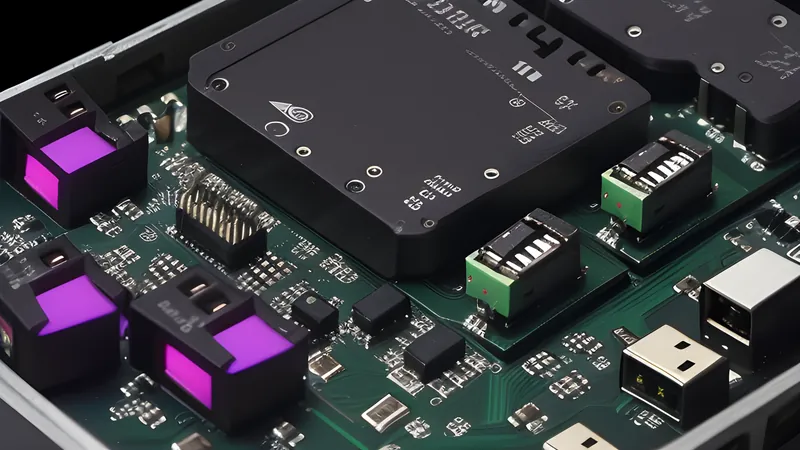
The part that matters inside a powered hub is the power-management IC sitting between the DC barrel jack and the port array — usually a Genesys Logic GL3520 or a VIA Labs VL817-family chip in the sub-£40 tier, both of which handle per-port current limiting and over-current protection rather than just passing power through blind. That IC is the difference between “powered” as a marketing word and powered as an engineering fact: a hub with a barrel jack but a cheap pass-through design can still brown out if two ports try to draw simultaneously, because the chip isn’t actually managing the budget, just adding a bulk supply behind an unmanaged bus. Teardowns of budget powered hubs regularly find this exact shortcut — a supply rail bolted on without the current-limiting silicon to back it, which explains why some “powered” hubs still drop devices under load.
The cost-cutting shows up in three places a spec sheet never mentions. The regulator can be a cheap linear part that sags under sustained load instead of a switching design that holds its output voltage steady as current demand climbs. The bulk capacitors smoothing that output can be undersized generic parts rather than low-ESR types rated for the ripple current a spinning drive actually produces, which is the failure mode behind a hub that works fine for a keyboard and mouse but drops the moment a hard drive’s motor spins up. And the PCB traces feeding each port can be thin enough that resistance itself causes a voltage drop under load, a fault invisible until someone puts a multimeter on the connector. None of that shows up in a product photo; it only shows up in a teardown, in a load test, or in the failure mode when you actually push the hub past a mouse and a keyboard. The honest build pairs a real switching PSU with a proper current-limiting controller and generous trace widths, and that combination is what the marketing word “powered” is supposed to mean but doesn’t always deliver.
The other material tell is the DC jack and adaptor itself. A hub bundled with a 12V/1A wall wart is promising 12W total — barely more than the bus-powered budget once you subtract conversion losses — while one bundled with 12V/3A is promising a real 36W to work with. Reading the adaptor’s printed rating tells you more about whether the hub will actually solve your dropout problem than anything on the box’s front panel, and it’s the single fastest way to separate a hub that’s powered in name from one that’s powered in practice.
Where powered hubs still fall short
A powered hub fixes current starvation, not everything that looks like a USB problem. If your dropout happens on a hub plugged into a USB-C port with alt-mode video passthrough, the issue might be bandwidth contention rather than power — DisplayPort alt mode and USB data compete for the same physical lanes on some chipsets, and no amount of extra current fixes that. Cable quality also still matters upstream of the hub: a worn or non-compliant USB-A-to-C cable feeding the hub itself can introduce the exact intermittent dropout a powered hub gets blamed for, and swapping that cable costs nothing compared with buying new hardware. Windows’ USB selective suspend feature, designed to save laptop battery by powering down idle ports, is another frequent culprit that a powered hub doesn’t touch at all — it lives in the driver stack, not the current budget, and needs disabling separately in Device Manager’s power management tab for anyone chasing intermittent drops on a laptop rather than a desktop.
A powered hub also adds a wall wart and a cable to a desk that a laptop’s single port didn’t need before, which is a real cost in desk space and cable clutter for anyone who was hoping to simplify rather than add hardware. Buyers with only light peripherals — a mouse, a keyboard, a flash drive — are solving a problem they don’t have; the current budget on a stock port covers that combination without complaint, and a powered hub bought for that setup is thirty pounds spent on a fix for a symptom that was never going to appear.
Setting one up without still getting drops
Plug the hub’s power adaptor in before connecting it to the computer, not after — some controllers latch their power-source detection at enumeration and will keep behaving as if bus-powered if the wall power arrives late. Spread current-hungry devices (external drives, anything with its own fan or motor) across different downstream ports rather than clustering them next to each other, since many controllers gang ports in pairs or fours on the die and share a sub-budget within each group. Check the hub’s own load rating against what’s actually plugged in: a 36W hub with three bus-powered SSDs and a webcam is still oversubscribed, because SSDs alone can draw 2–4.5W each under write load, and three of them alone can consume most of that budget before the webcam or a charging phone gets a look-in.
Price and the buying rule
The category splits into three real tiers. Sub-£15 hubs advertising “powered” off a micro-USB trickle input barely improve on bus power at all, because the input current available through that connector caps what the internal PSU can ever supply regardless of the barrel jack printed on the box. The genuine tier sits at £25–£45 for a 7-port unit with a real 12V/2–3A adaptor and a Genesys Logic or VIA Labs controller, which is the price actually buying the fix described above. Above that, £50–£80 hubs from the likes of Anker, Sabrent and OWC add extras that matter for specific setups — SD/microSD card readers, a Gigabit Ethernet port, USB-C PD passthrough for charging a laptop through the hub itself — features worth paying for only if they replace another device on the desk rather than duplicating one already there. Price trackers show the mid-tier hubs discounted 20–30% around Black Friday and Prime Day with some regularity, which is the sensible time to buy one rather than at the RRP if the dropout problem can wait a few weeks.
A USB-IF compliance logo on the box or the product listing is a genuine signal worth checking for, since it means the controller passed the organisation’s electrical and interoperability testing rather than just carrying a chip that resembles a certified one. It doesn’t guarantee the external PSU is generous, but it rules out the worst offenders that pair a barely-adequate controller with marketing copy claiming full spec compliance. Reviews that publish current-draw measurements under sustained multi-device load are more useful than star ratings here, because the failure mode this piece describes only shows up once two power-hungry peripherals share the bus at the same time — a review that only tests a mouse and a flash drive will pass a hub that drops an external SSD the moment a webcam joins it. Buying from a retailer with a straightforward returns policy is worth more than any spec sheet claim, because the only real test is plugging in the exact combination of peripherals the hub will actually carry and watching what happens under a genuine write load.
The verdict
Buy — but only after confirming the dropout you’re chasing is actually a power problem and not a cable or bandwidth issue. A powered hub with a Genesys Logic or VIA Labs controller and a 12V/3A (36W) adaptor solves the specific failure mode of drives and peripherals vanishing under combined load, and it does it for £25–£45, which is cheap insurance against replacing a “faulty” drive that was never faulty.
Price verdict: worth it at £30–£40 for a genuine 7-port unit with a real switching PSU; skip the £15 hubs claiming to be “powered” off a micro-USB trickle input, since that current budget barely improves on bus power. Anyone running a single drive and a mouse doesn’t need one — the stock port handles that fine. Anyone running an external SSD, an audio interface, and peripherals off one port simultaneously should treat a properly powered hub as the fix, not a workaround.
If you’re troubleshooting your existing desk setup rather than buying new, our look at USB-C hubs that don’t overheat covers the thermal side of the same chipset story, and the budget dock for a work-from-home laptop guide is the better starting point if you’re building a single-cable desk from scratch rather than patching an existing one. For the charging side of the same current-budget problem, see Anker vs Ugreen on GaN chargers.
Related Content