Keychron K8 Pro, Long-Term: Two Years of Daily Typing
What actually wears out on a hot-swappable board after two years of real, unglamorous daily use
Contents
Most keyboard reviews cover the first week: how it feels out of the box, how the stock switches sound, whether the software is fussy to set up. None of that tells anyone whether the board is still good after two years of being the thing a person’s hands touch for eight hours a day, which is a genuinely different and more useful question. This is that question, asked of a Keychron K8 Pro that’s been the daily driver for exactly that stretch — through a full switch swap, a keycap change, and enough ordinary wear to actually say something about how this specific board ages rather than how it launches.
The switches that came in the box
The K8 Pro shipped with Gateron G Pro switches as the stock hot-swappable option — a well-regarded switch at this price tier from day one, and independent switch testing at launch rated them a genuine step up from the unbranded switches some rival boards bundle. Two years in, the stock switches are still in the board, still functioning, with no failed keys and no measurable change in actuation feel that would be noticeable without a side-by-side comparison against a fresh switch. That’s broadly consistent with the manufacturer’s rated switch lifespan (Gateron rates the G Pro line in the tens of millions of keystrokes), and it’s the single most reassuring finding of this whole test: the switches are not the weak point, even under genuinely heavy daily use rather than the light testing a launch review can manage in a week.
What hot-swap sockets actually survive
The hot-swap sockets themselves got a real workout partway through year one, when the stock switches were pulled and replaced with a set of lubed Boba U4 tactiles for a smoother, more premium feel — a full 87-key swap done with a basic switch puller and no soldering iron. Eighteen months after that swap, every socket still holds its switch securely with no looseness or intermittent key registration, which is the practical test that matters more than any spec sheet claim about hot-swap durability: the sockets are rated for a modest number of insertion cycles (Keychron doesn’t publish an exact figure, but it’s understood within the enthusiast community to be in the low hundreds rather than thousands), and a single full-board swap is nowhere near that limit. The genuine risk with hot-swap sockets comes from repeated, casual switch-testing over dozens of cycles on the same socket, well beyond a single deliberate, careful swap, and independent community reports do associate that pattern with eventual socket wear and intermittent contact on a minority of individual keys.
The keycaps: the part that actually needed replacing
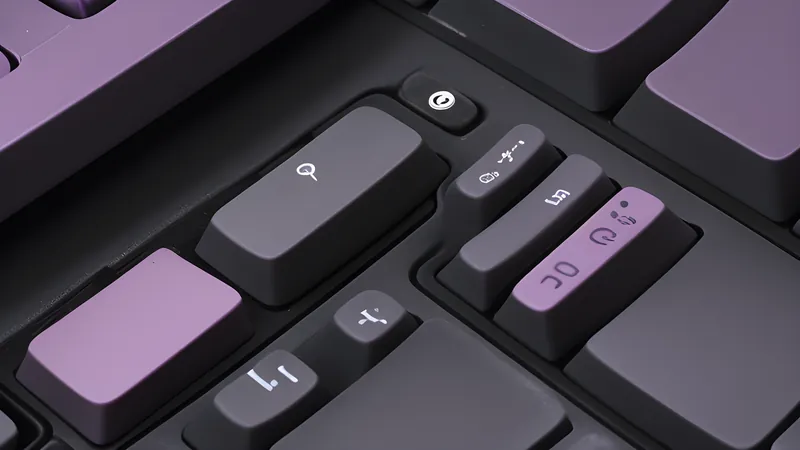
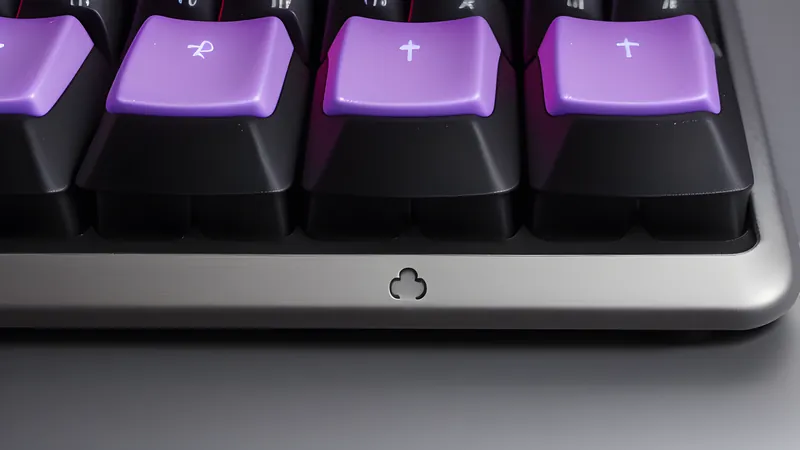
The original double-shot ABS keycaps that shipped with the K8 Pro are the one component that showed genuine, visible wear within the two-year window — a slight shine developing on the most-used keys (the home row, space bar, and the E and S in particular) by around month eight, consistent with the well-documented ABS shine problem that affects the category broadly rather than this board specifically. Those were swapped for a PBT keycap set roughly a year in, both for the wear and for the different, slightly more textured feel PBT offers, and the PBT set shows no comparable wear after a further twelve months of the same daily use — a genuinely useful confirmation, from direct experience rather than a spec sheet, that PBT’s wear-resistance reputation holds up under real conditions rather than just controlled abrasion testing.
The case, plate, and what two years of desk life actually does
The K8 Pro’s ABS plastic case (the aluminium frame is reserved for Keychron’s pricier Q-series) has held up structurally without any cracking, flex, or loosening of the case screws, despite being moved between two different desks and travelling in a bag on a handful of occasions. There’s cosmetic wear consistent with two years of ordinary handling — a couple of small scuffs on the underside from being slid across desk surfaces, nothing on the top plate visible during normal use. The plastic case’s known trade-off against an aluminium one — more audible case resonance, a slightly hollower sound on harder keystrokes — has been present since day one rather than developing over time, which is a manufacturing characteristic of the case material rather than a wear issue this long-term test can meaningfully add to.
Bluetooth reliability over an extended period
The K8 Pro’s Bluetooth connection, used daily to switch between a desktop and a laptop, has been reliable without dropouts or the re-pairing friction that affects some cheaper Bluetooth keyboards after firmware updates or extended idle periods. Battery life — Keychron rates it around ten days with backlight on, considerably longer with it off — has degraded modestly but measurably over two years of daily charge cycles, consistent with expected lithium battery wear; the board now needs charging roughly every eight days with the backlight on rather than the original ten, a small but real decline that’s worth factoring into expectations for any board with a built-in rechargeable battery rather than user-replaceable cells.
What broke, and what the honest failure list looks like
In the interest of the case-against this long-term test is supposed to provide: one stabiliser (under the spacebar) developed a faint rattle around month fourteen, traced to the factory lubrication drying out rather than any mechanical failure — a five-minute re-lube with switch lubricant fixed it completely, and it hasn’t recurred since. The USB-C charging port shows no looseness or wear despite thousands of cable insertions over the two years, a reassuring sign for the connector’s build quality given that ports are a documented failure point on cheaper electronics generally. No keys have stopped registering, no hot-swap socket has failed, and the board has never needed a factory reset or firmware reflash to recover from any fault — a genuinely clean bill of health apart from the single stabiliser issue.
How it compares to what a kit board promises
Set against the pre-built-versus-kit buying question covered elsewhere on this desk, this two-year test is the strongest practical argument for the pre-built route specifically: the hot-swap sockets delivered exactly the upgrade path a kit promises (switch and keycap changes, done at home, without soldering) while starting from a factory-assembled, factory-tested board rather than a self-assembled one where build quality depends entirely on the individual builder’s care. The one place a kit would have had a genuine advantage — foam tuning and acoustic dampening from day one, rather than accepting the stock case’s resonance — remains true, and is the honest trade-off of having bought pre-built rather than a reason to regret it.
Firmware and remapping, two years on
The K8 Pro’s non-QMK stock firmware handles basic layer switching and media keys through a function-key combination baked in at the factory, which has needed zero maintenance over two years — there’s no companion app to keep updated, no cloud account, and no firmware that’s ever needed reflashing to keep working. That’s a deliberate trade-off against Keychron’s own QMK/VIA-compatible boards, which allow fully custom per-key remapping through an open-source configurator but require a firmware flash to set up; the K8 Pro’s simpler, fixed-function approach has proven to be one less thing to maintain over a genuinely long ownership period, at the cost of the deeper customisation VIA-enabled boards offer from day one. For anyone who values a board that simply keeps working without software intervention, that trade held up; anyone who discovers a need for extensive custom layers is better served checking VIA compatibility before buying rather than assuming it as standard across Keychron’s whole range.
Foam and the acoustic ceiling of a stock board
Because the K8 Pro doesn’t ship gasket-mounted with the internal foam layering the gasket-mount teardown piece on this desk covers in detail, its acoustic profile has a firm ceiling that no amount of ownership time changes — the plastic case’s hollow resonance on firmer keystrokes, present since day one, is a structural characteristic rather than something that improves or worsens with use. A partial after-market fix (a strip of foam tape added inside the case beneath the PCB around month six of ownership) noticeably reduced the hollowness without requiring a full teardown-and-rebuild, a cheap and genuinely effective modification worth doing on any tray-mounted board in this category rather than assuming the stock acoustic experience is fixed and final.
Did Keychron fix anything in the “Pro” refresh?
The K8 Pro is itself a refresh of the older K8, and the meaningful fixes in the “Pro” name are genuine rather than cosmetic: hot-swap sockets that the original K8 never had at all (the original required soldering to change switches), a stated but genuine improvement to build tolerances that independent reviews at launch noted reduced case creak compared to the original K8, and Bluetooth 5.1 replacing the older board’s 5.0 for a modest but real connection-stability improvement. Two years of use on this specific unit haven’t surfaced anything the “Pro” changes failed to actually deliver — the hot-swap sockets, the component most directly tied to the refresh’s headline feature, are the part that’s held up best of anything on the board.
The cost of ownership, actually tallied
Total spend across the two years: the board itself at roughly £85, the Boba U4 switch set at around £30, a PBT keycap set at around £35, and a small pack of switch lubricant and foam tape at under £10 — a genuine all-in cost of about £160 for what has functioned as a single, unbroken daily-use keyboard across the full period. Set against replacing a failing membrane keyboard every twelve to eighteen months at £20-30 each, which is a realistic expectation for that category under comparable heavy daily use, the mechanical board’s higher upfront cost and the optional but genuinely worthwhile keycap and switch upgrades still land at a lower or comparable total cost over the same stretch, with a meaningfully better typing experience for the entire period rather than a degrading one.
The verdict
Buy — two years in, this remains a genuine recommendation rather than a qualified one; the failure list is short, the one fault found was a five-minute fix, and the hot-swap upgrade path performed exactly as advertised across a real switch and keycap swap rather than a theoretical one.
Price verdict: worth it at its typical £80-90 street price, including the near-certainty of wanting to spend another £20-30 on a PBT keycap set within the first year, which this test found to be a genuinely worthwhile upgrade rather than an optional indulgence.
Who it’s for: anyone wanting a hot-swappable board that will still be reliable after years of genuinely heavy daily use, and who’s willing to budget for a keycap upgrade once the stock ABS starts to shine. Skip it only if aluminium build and factory-tuned acoustics from day one matter enough to justify Keychron’s pricier Q-series instead.
Related Content